Every password.
Every secret. Sealed.
Blackbox is a zero-knowledge password, secret & autofill manager. Your master password and keys never leave your device — our servers only ever hold encrypted ciphertext. One account, every device: sign in anywhere and your vault follows you.
AES-256-GCM · ARGON2ID · ZERO-KNOWLEDGEBuilt like a terminal. Sealed like a safe.
Nine item types — logins, API keys, SSH & encryption keys, servers, databases, cards, identities, Wi-Fi, secure notes — with live TOTP codes, a strength-audited generator, and search across everything.
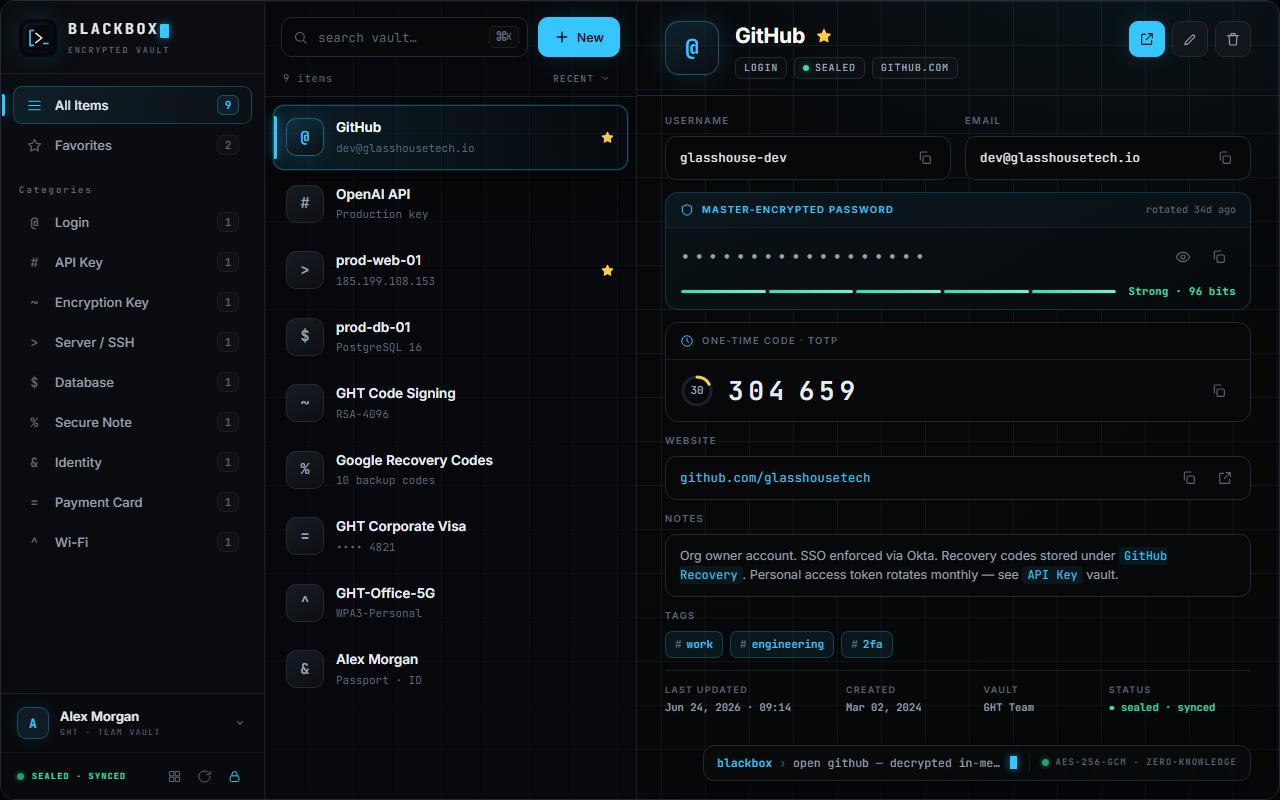
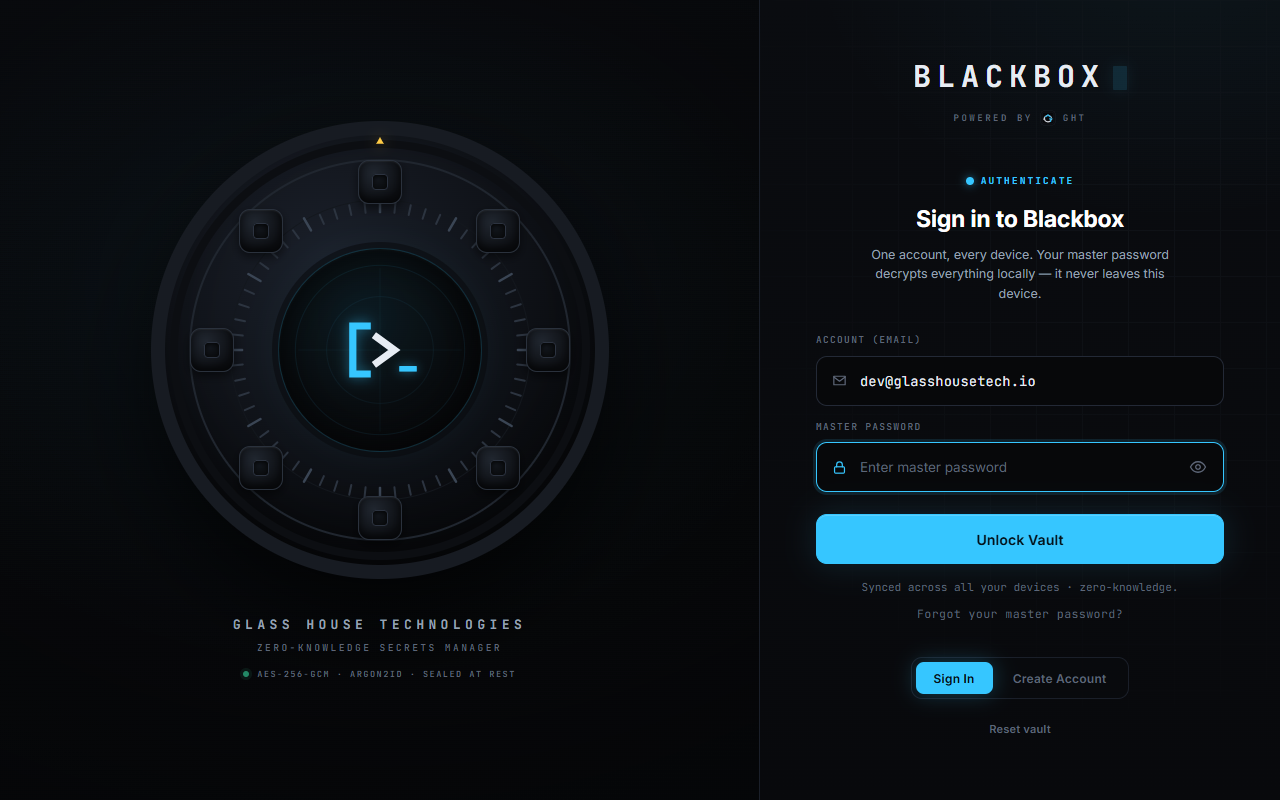
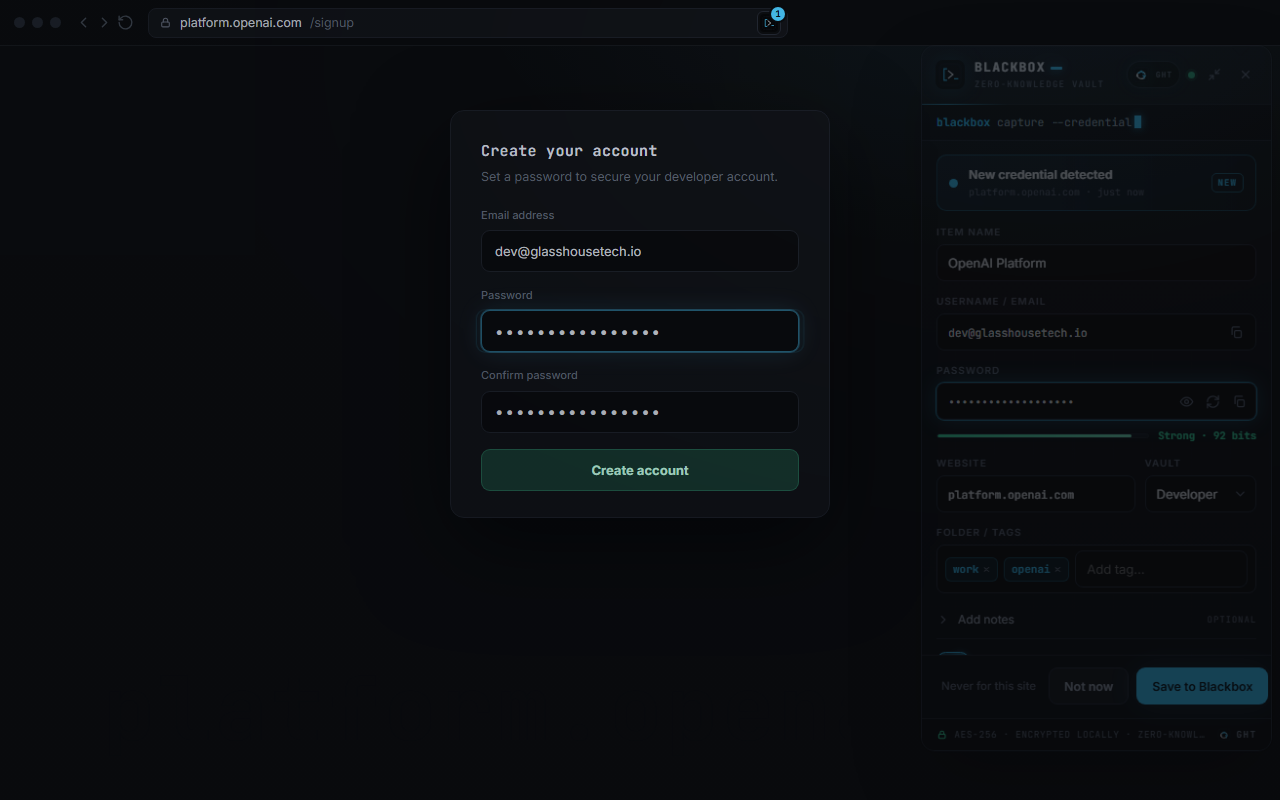
Same vault. Same keys. Everywhere.
Add a login on your desktop and it's on your phone's browser before you've switched chairs. Everything syncs through the encrypted Blackbox cloud — and every app works offline.
Web Vault
The full manager, running entirely in your browser — decryption included.
- All 9 item types, search, tags & folders
- Password generator with live strength audit
- Import from LastPass, Bitwarden, 1Password & more
- Account recovery — email + SMS codes + security questions
Browser Extension
Blackbox where you actually type passwords — in the browser.
- One-click autofill on the sites you visit
- Save-on-login capture with duplicate detection
- Per-site matching — subdomain apps stay separate
- Session key held in memory only, never on disk
Desktop App
A native window, always a keystroke away — same vault, same sync.
- Native app built on Tauri — small & fast
- Works fully offline; syncs when you're back
- Auto-lock on inactivity
- Same account as web & extension
Everything a vault should do.
Instant autofill
One click fills username + password on the site you're on.
9 secret types
Logins, API keys, SSH keys, servers, databases, cards, identities, Wi-Fi, notes.
Live 2FA codes
Store the TOTP seed, read live 6-digit codes with a countdown.
Strong generator
Passwords & passphrases with entropy and crack-time estimates.
Painless migration
Import from LastPass, Bitwarden, 1Password, Chrome, KeePass, Dashlane.
Recoverable — safely
Forgot the master password? Email + SMS codes + your security answers restore access. The server alone can never decrypt.
Encrypted cloud sync
Changes land on every signed-in device in seconds — ciphertext only.
Clipboard hygiene
Copied secrets auto-clear ~25 seconds later — never wiping what you copied next.
Zero-knowledge, spelled out.
"Trust us" isn't a security model. Here is the actual key hierarchy — the server is mathematically incapable of reading your vault.
master password ──Argon2id(salt)──▶ master key            # never stored, never sent
                                        │
                        ┌───HKDF───────┴────────HKDF───┐
                        ▼                                ▼
                  encryption key                  auth key       # server sees only a hash
                        │
                        ▼
random vault key ──AES-256-GCM──▶ wrapped vault key          # useless without your password
                        │
                        ▼
      every item ──AES-256-GCM──▶ ciphertext                 # the only thing our servers store
Extension setup (during beta)
- Download the extension above and unzip it to a folder you'll keep.
- Open
chrome://extensions(oredge://extensions). - Turn on Developer mode (top-right toggle).
- Click Load unpacked and select the unzipped folder.
- Click the puzzle-piece 🧩 in the toolbar and pin Blackbox.
- Click the Blackbox icon → Sign in with your email + master password (or create an account) — autofill works everywhere.